
How to Search Iron County Court Records
Iron County does not run its own case portal. The main online path is the statewide MiCOURT Case Search, the public system run by the Michigan judiciary. Depending on the court, it can return civil, traffic, criminal, domestic, and probate cases. The tool works as an index and access point, not as a certified-record vault, so treat any result as a pointer to the real file the clerk keeps.
Before you start, gather what you can. A case number gives the fastest hit. A full party name works when you do not have the number. An attorney name or State Bar number helps when you are tracking a lawyer's caseload rather than one person. The more you know, the fewer duplicate names you have to sort through.
A look at the public search screen makes the layout clear. The Michigan case-search portal opens with a plain set of fields and a submit button rather than a data dashboard.
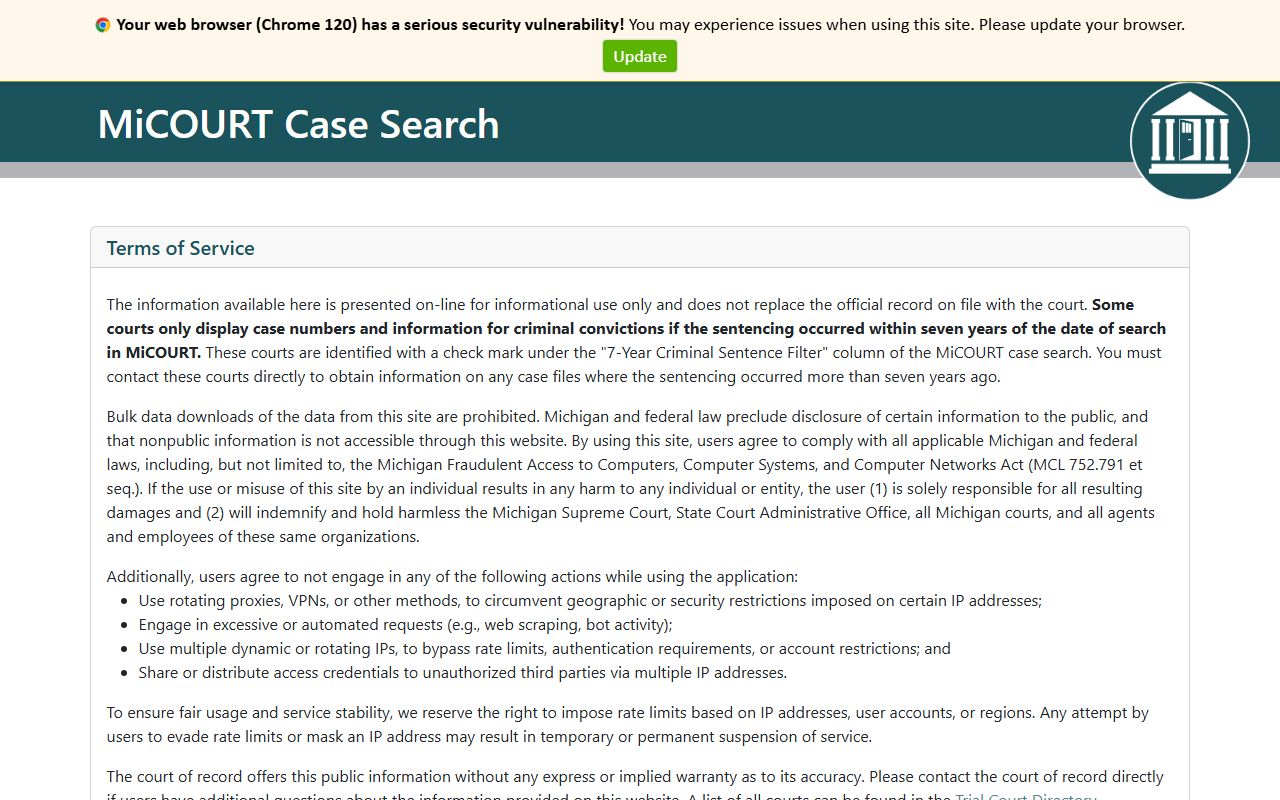
That simple shell is the front door for every Iron County court record that the state indexes online. The steps below walk through a standard public lookup.
- Open MiCOURT Case Search and stay on the public case-search mode.
- If you already know the case number, type it into the Case Number field for the quickest result.
- To search by person or business, use the Party Name field, or use Attorney Name or Bar Number when you are tracking a lawyer.
- Narrow by Lower Court or Appellate Court when your search could span more than one court.
- Submit the search, then open a case to read its history, hearings, and disposition.
Use the professional or background-login route only if you are authorized. Those modes exist for attorneys and screeners, not for casual public lookups, and they surface fields the public view holds back.
Note: MiCOURT gives you an index and case history, so a printed or certified copy still comes from the clerk who owns the file.
Iron County Court Records Search Fields
Each field on the portal does one job, and knowing the difference keeps your search tight. The public case-search screen and the state site share the same core inputs, whether you land through the case tool or the broader Michigan Courts case-search hub. The hub also explains which courts feed the index.
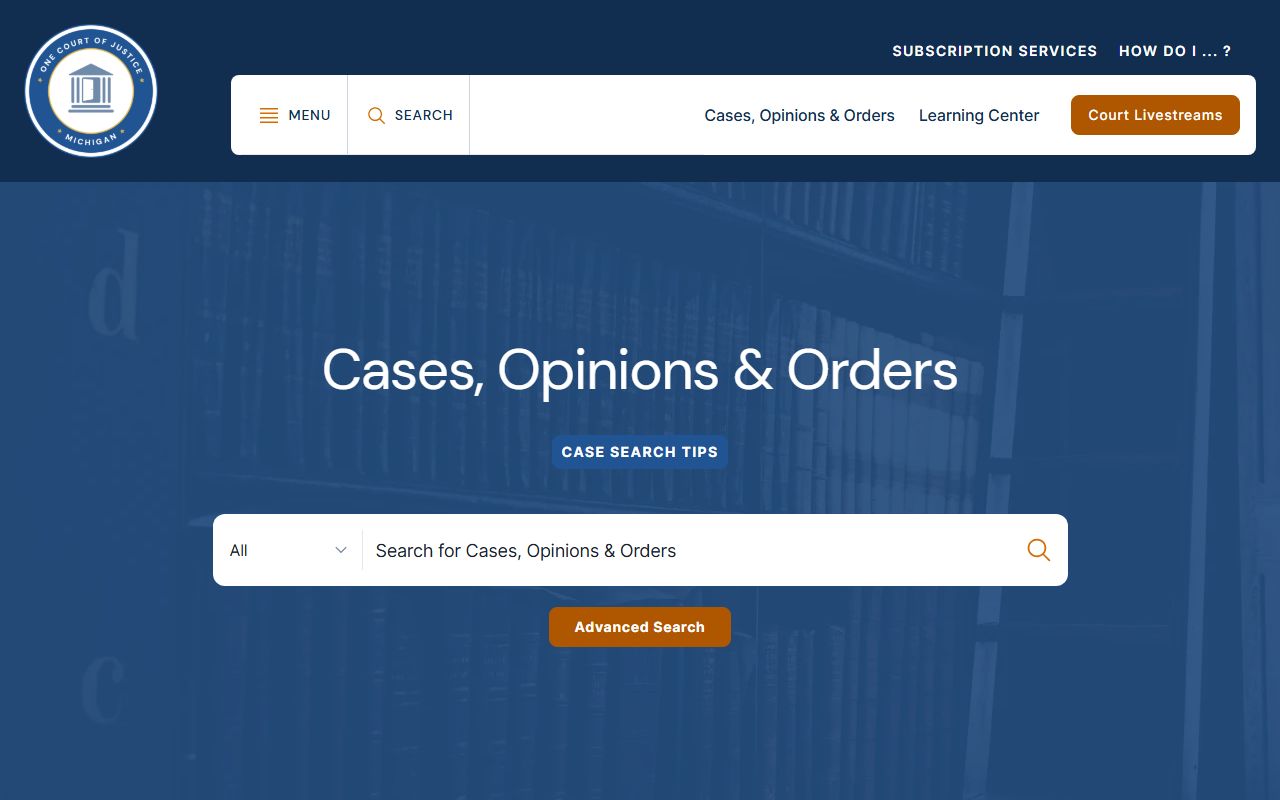
That state page routes readers to the same public search Iron County relies on. The table lists the fields and controls you will meet on the public screen.
| Field Label | Type | Required | Notes / Format |
|---|---|---|---|
| Case Number | Text | No | Public input; the fastest path when you have the number |
| Party Name | Text | No | Public input; search by a person or business name |
| Attorney Name | Text | No | Attorney lookup by name |
| Bar Number | Text | No | Attorney lookup by State Bar number |
| Lower Court | Filter | No | Limits results to a chosen trial court |
| Appellate Court | Filter | No | Routes the search to appellate cases |
| Advanced Search | Button | No | Opens extra filters on the public page |
| Submit Search | Button | Yes | Runs the search and returns matches |
One limit shapes what these fields return. Records reached from a court public website are held to the case number, party names, and case history. Some courts also show criminal-conviction data only when sentencing happened within seven years of the search date, so an older conviction may not surface online even when it exists.
Types of Iron County Court Records
The county's record ecosystem follows Michigan's three trial courts: circuit, district, and probate. That split matters because an Iron County court record does not always live in one office. A misdemeanor, an arraignment, or a traffic case often starts in district court, a felony file lands in circuit court after bindover, and estate or guardianship matters go to probate.
Value also sorts civil cases between courts. The state trial-court guide puts general civil claims of $25,000 or less in district court and larger claims in circuit court. The main record types a reader runs into are these.
- Civil cases over money, contracts, and property, split between district and circuit court by claim size.
- Criminal files, from misdemeanors in district court to felonies bound over to circuit court.
- Family and divorce records, including custody, parenting time, support, and paternity.
- Probate matters such as wills, estates, guardianships, and conservatorships.
- Traffic citations and lesser offenses, generally handled in the district-court lane.
- Small claims and landlord-tenant cases, both routed through district court.
- Juvenile and protective-order files, which carry tighter access rules than ordinary cases.
Appeals leave the trial courts entirely. They move to the Michigan Court of Appeals and, in some matters, the Michigan Supreme Court, where judgments and final orders appear as separate appellate filings.
What Iron County Court Records Show
A public Iron County court record reads as an index plus a running case history rather than a full downloadable file cabinet. The Michigan judiciary's records-management standards set what a public web view can carry and how clerks store the rest. Those rules explain why the online docket and the complete paper file are not the same thing.
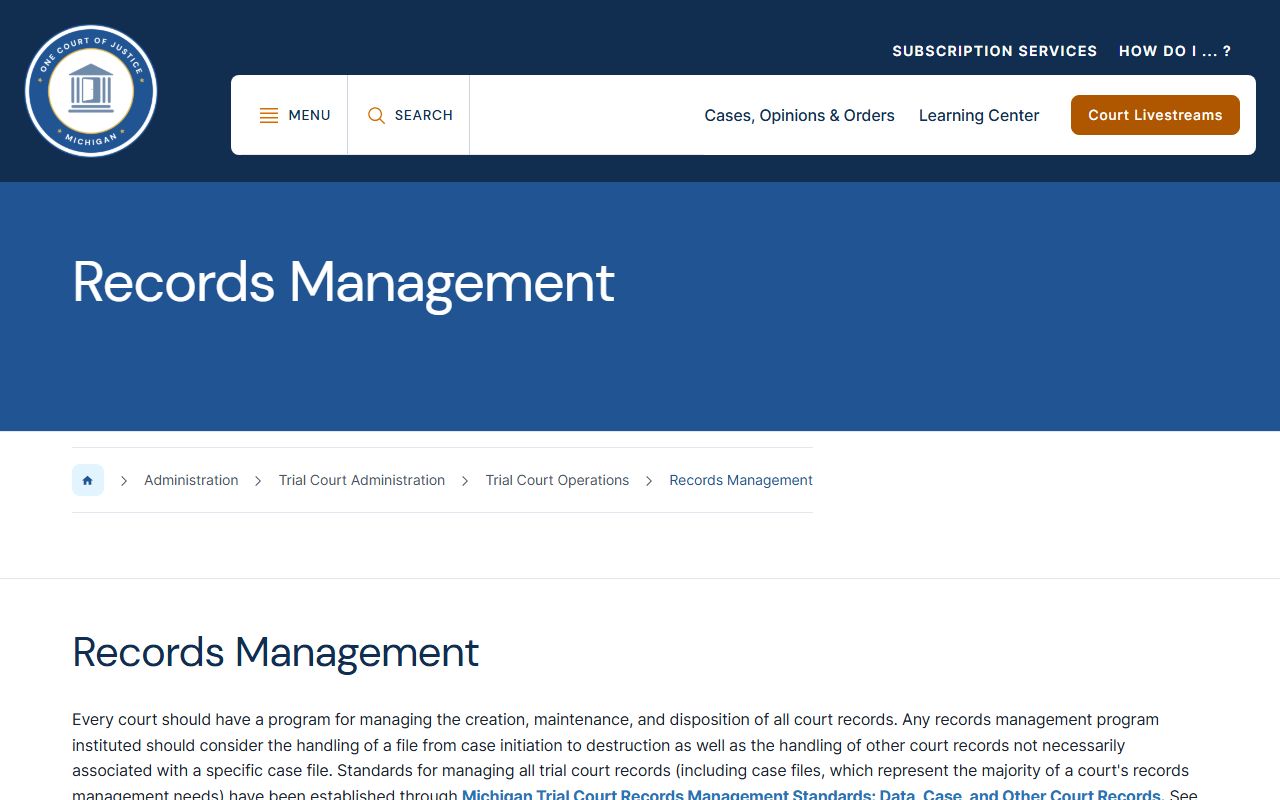
The standards page is the backbone for how case data is kept, redacted, and released. The table below lays out the common fields a case screen shows.
| Field | What It Shows |
|---|---|
| Case Number | The court's reference number for the file |
| Court | Which trial court owns the case |
| Filing Date | When the case entered the system |
| Parties | Plaintiff, defendant, petitioner, or respondent roles |
| Judge | The assigned or presiding judge |
| Charge or Cause | The criminal charge or civil cause of action |
| Hearings | Scheduled dates, times, and hearing types |
| Disposition | The final outcome or an interim ruling |
| Financials | Bonds, fines, fees, restitution, and balances |
| Case Status | Open, closed, disposed, or transferred |
Detailed case screens can go further for authorized users, adding party age and date of birth, alternate names, service and answer dates, charge event numbers, bond forfeiture history, and sentencing or probation entries. Sensitive fields get pulled from public view, including Social Security numbers, financial-account data, minor names, and sealed juvenile data. A few plain terms help when the docket language turns technical.
- Disposition
- The result of a charge or case event.
- Bindover
- Transfer of a felony matter from district court to circuit court.
- Docket
- The chronological log of everything filed in a case.
- Disposition vs. sentence
- The disposition is the outcome; the sentence is the punishment imposed in a criminal case.
That case-history log is the same data you would read as an Iron County court docket, just presented one file at a time.
Public Access Framework for Iron County Court Records
Two bodies of law govern access. Court files answer to Michigan Court Rules, while county administrative records answer to the state's open-records act. Requests for public court records follow MCR 8.119(H), the court-record access rule. The clerk who holds a file applies that rule when you ask for a copy at the counter.
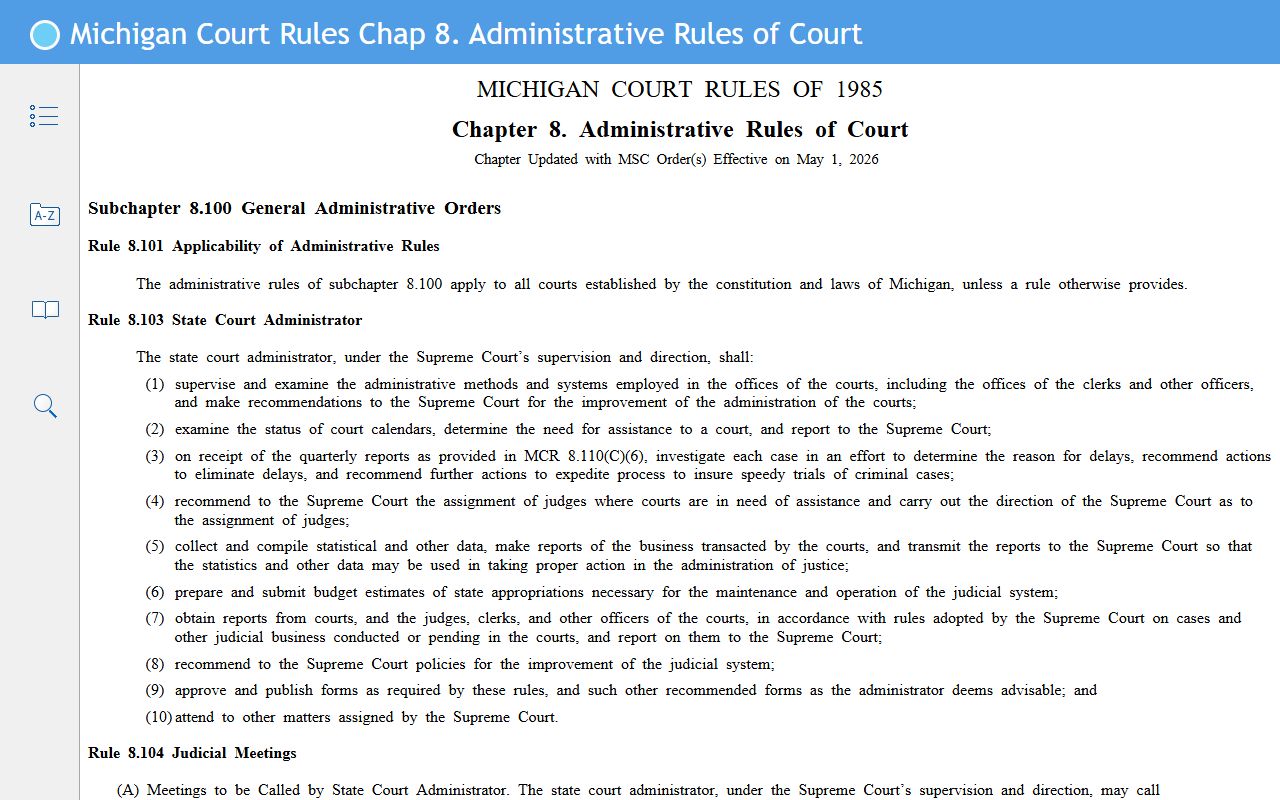
The rule book sets how a clerk fields a public court-record request. County administrative records travel a different road under the Michigan Freedom of Information Act (MCL 15.231), which opens public records unless a statute says otherwise.
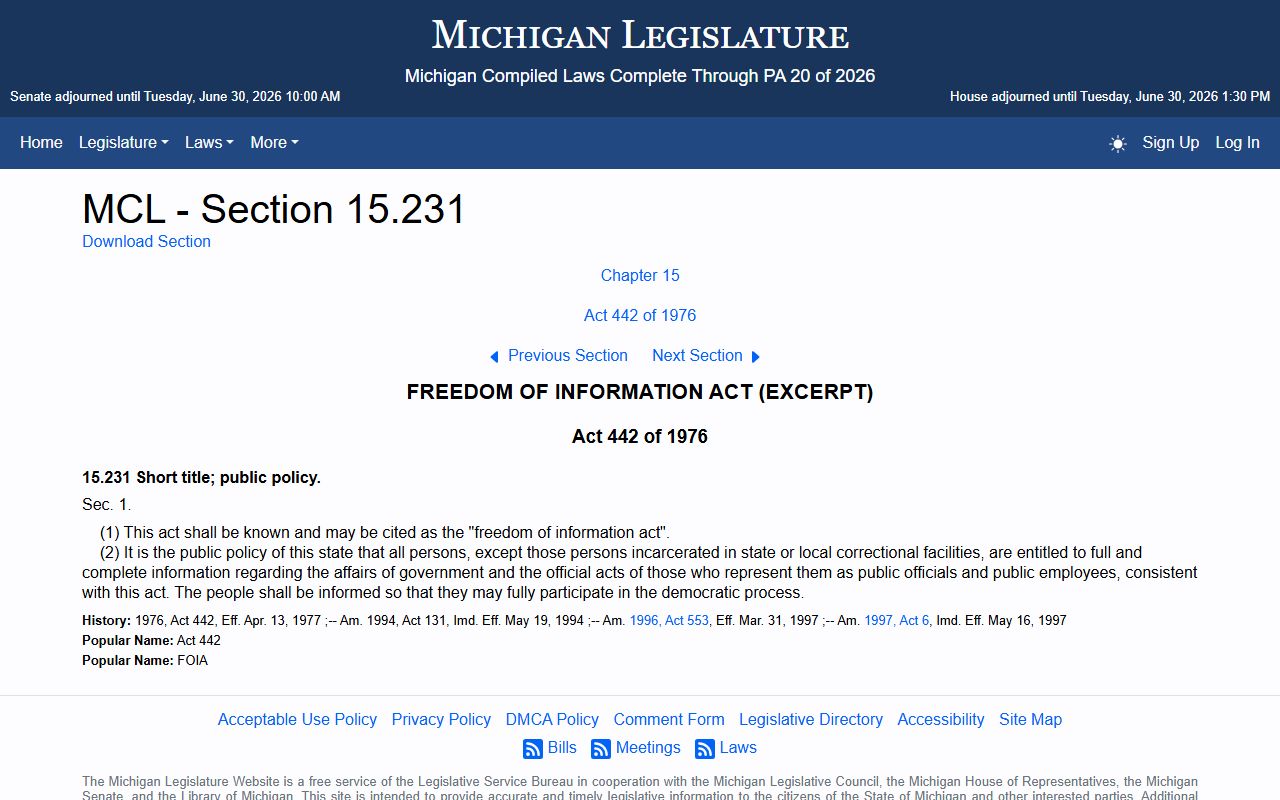
FOIA is the backup route for the administrative side of county business, filed with the county FOIA coordinator rather than the court clerk. The practical rule of thumb is simple. An ordinary adult court file starts at MiCOURT or the clerk counter. A juvenile, sealed, or protected file narrows fast and may need a court order or a showing of legitimate interest. A clerk-held vital record follows its own copy rules.
Note: Court files and county administrative records are separate access channels, so the clerk counter and a FOIA request do not always reach the same document.
Sealed and Confidential Iron County Court Records
Some Iron County court records never open to ordinary public search. Juvenile case records sit at the top of that list. Michigan law keeps them closed to the general public and opens them only by court order to someone with a legitimate interest. The county's juvenile register and juvenile probation offices handle those files locally, but a reader cannot treat them like an adult case lookup.
Adoption files, mental-health commitment proceedings, and records with redacted personal data round out the restricted set. Even in an otherwise open case, fields like Social Security numbers and minor identities are pulled before release. The FOIA exemptions in MCL 15.243 back that privacy layer for many law-enforcement and personal records.
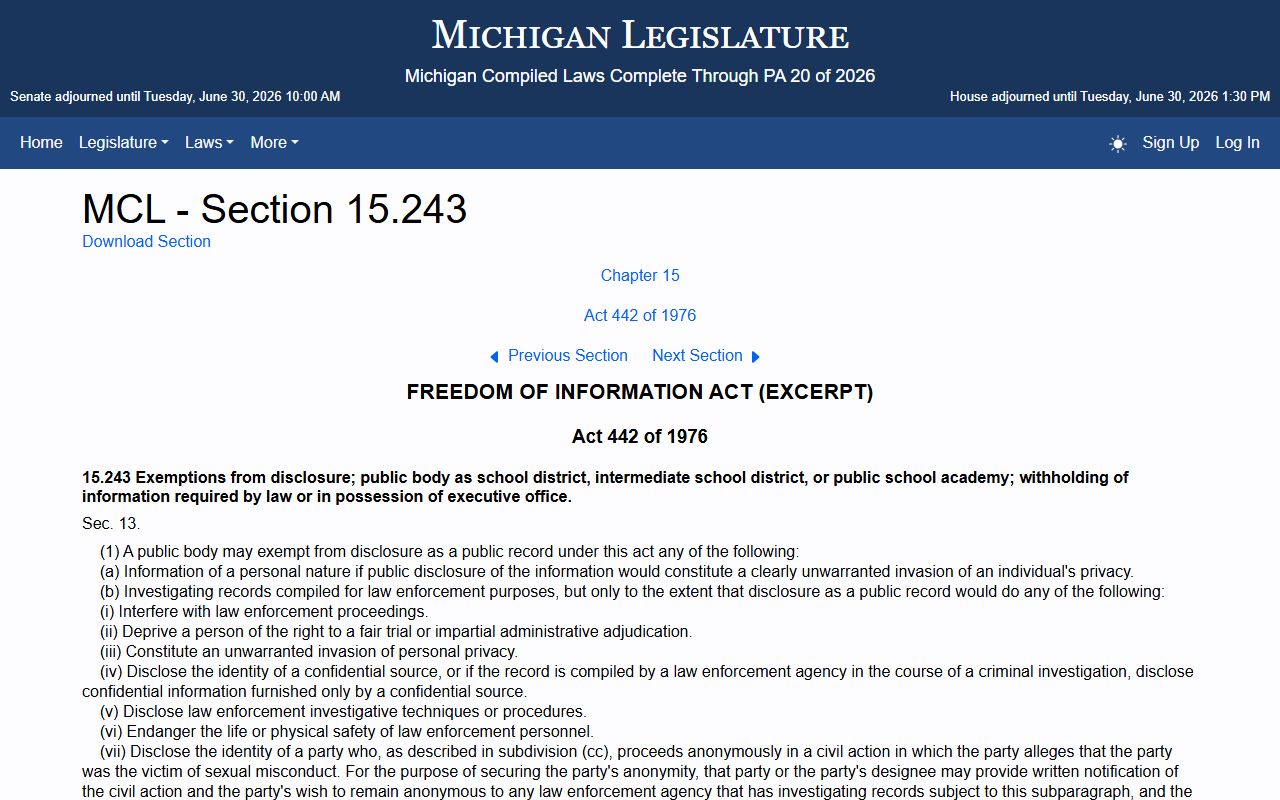
Those exemptions explain why a public docket and a full case file rarely match. Michigan also runs both petition-based set-aside relief and automatic Clean Slate expungement for qualifying convictions. A set-aside removes certain convictions from ordinary public view, though the underlying record can still exist in nonpublic systems. To petition, a person files an application in the convicting court, mails copies to the Michigan Attorney General and the local prosecutor, and attaches certified copies of the conviction. For some driving-related convictions, the driving record is not erased even when the conviction is set aside.
Requesting Iron County Court Records in Person
When the portal comes up short, the counter fills the gap. Every court office sits in or near the Iron County Courthouse at 2 South 6th Street in Crystal Falls, open Monday through Friday from 8:00 a.m. to 4:00 p.m. Bring the case number if you have it, the party names, and a photo ID for any request that touches a restricted or certified record. A criminal file may split between the district and circuit offices, so a quick call ahead saves a second trip.
Match the office to the record. The district court clerk handles misdemeanors, traffic, and lower-value civil cases. The circuit and trial court office holds felony and higher-value civil files along with the probate register. The county clerk keeps circuit court records under the court's direction plus vital records, and the county FOIA coordinator at (906) 875-3301 fields requests for administrative records that fall outside the court files.
District Court Clerk
2 South 6th Street, Suite 5
Crystal Falls, MI 49920
(906) 875-0619
Mon-Fri 8:00 a.m. to 4:00 p.m.
41st Circuit / Trial Court
2 South 6th Street, Suite 10
Crystal Falls, MI 49920
(906) 875-0659
Mon-Fri 8:00 a.m. to 4:00 p.m.
County Clerk
2 South 6th Street, Suite 9
Crystal Falls, MI 49920
(906) 875-3221
Mon-Fri 8:00 a.m. to 4:00 p.m.
MiCOURT is the online index, and the courthouse counter and a FOIA request are the fallbacks. For deeper criminal files, the same records also feed the Iron County criminal court records, where charges, pleas, and sentencing read in full. Between the state portal, three clerk phone lines, and the FOIA route, most Iron County court record questions resolve in one call or one visit.